
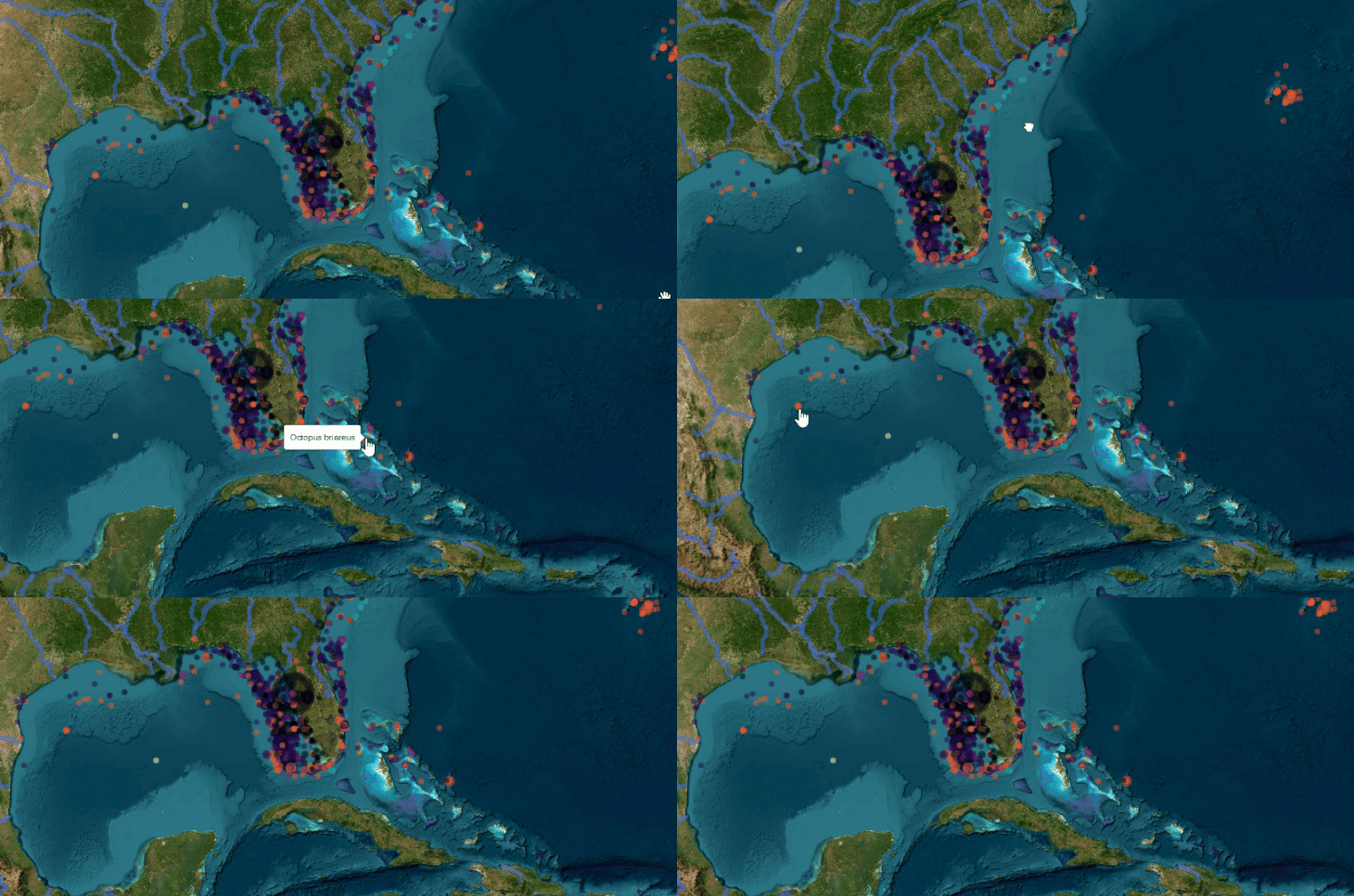
Interactive maps with R
Dates
13-14 May 2026
To foster international participation, this course will be held online
Course overview
Interactive maps, where users can zoom, pan, show/hide different layers of information, and toggle between different background maps, are invaluable communication and educational tools. They are increasingly used and in high demand by organizations as the most efficient and powerful way of conveying spatial information and engaging the user. Participants in this course will learn how to make and customize interactive maps, using external and/or own spatial data, and how to make these maps available and useable by collaborators or the public. The course is entirely based on free and open-source R software, with packages like ‘leaflet’ and ‘mapview’. Classes will include some theoretical lectures, but mostly practical hands-on exercises. Participants will be given annotated R scripts to create different types of interactive maps with provided data. They will then create their own interactive maps using their newly acquired data and skills.
Target audience and assumed background
This course is aimed at students, researchers and practitioners at any career stage with an interest in representing spatial information in interactive maps, and in making these maps available to their colleagues or to the public. Participants should have basic experience with R and with spatial data, although fully-functioning R scripts will be provided and explained. Package installation instructions will be sent to participants a few days before the course.
Program
Daily schedule: 15:00 - 19:00 (Berlin time): live lectures and practicals
Support will be available through Slack until the end of the next day (Berlin time).
-
- Spatial data sources (natural and administrative regions, roads and other infrastructure, topography, hydrography, climate...)
- Downloading spatial data into R
- Importing own spatial data into R (point coordinates, shapefiles and other spatial data formats)
- Preparing data for mapping
- Basic interactive maps
- Mouse hover pop-up labels
- Multi-layer interactive maps
- Hiding / showing layers and groups of layers
- Toggling different background maps
Day2
-
- Customizing interactive maps: symbols, legends, scale bars and other decorations
- Setting default zoom levels and automatic “zoom to” buttons
- Clustering points on zoom out
- Adding an inset map for geographical context
- Adding charts to maps
- Representing flows
- Synchronizing side-by-side maps
- Sharing interactive maps with collaborators
- Publishing interactive maps on the web

Cost overview
What people say about this course - 3rd edition
related courses
1 - GIS in R - ONLINE, 02-06 March
2- Dealing with messy data in R - ONLINE, 8-10 April
3 - Introduction to R Shiny - ONLINE, 9-10 June
4 - Species distribution modeling with Bayesian additive regression tree (BART) methods - ONLINE, 1-3 July
5 - Species distribution and ecological niche modelling in R - ONLINE, 14-18 September
Should you have any further questions, please send an email to [email protected]
Cancellation Policy:
> 30 days before the start date = 30% cancellation fee
< 30 days before the start date= No Refund.
Physalia-courses cannot be held responsible for any travel fees, accommodation or other expenses incurred to you as a result of the cancellation.